
Facebook can bring Astoria’s Italian food scene closer, connecting you with local updates, restaurant posts, and conversations about dining. Before you follow a Page or join a Group, it helps to understand who can use the platform and what happens to information shared there.
This guide explains who can create an account, how Facebook uses data, and what network compatibility means when connecting. It also looks at how Facebook Pages and Groups can help you follow neighborhood discussions and discover local dining. With a clearer picture of the platform, you can explore Astoria’s Italian food scene and decide how you want to participate.
Key Takeaways
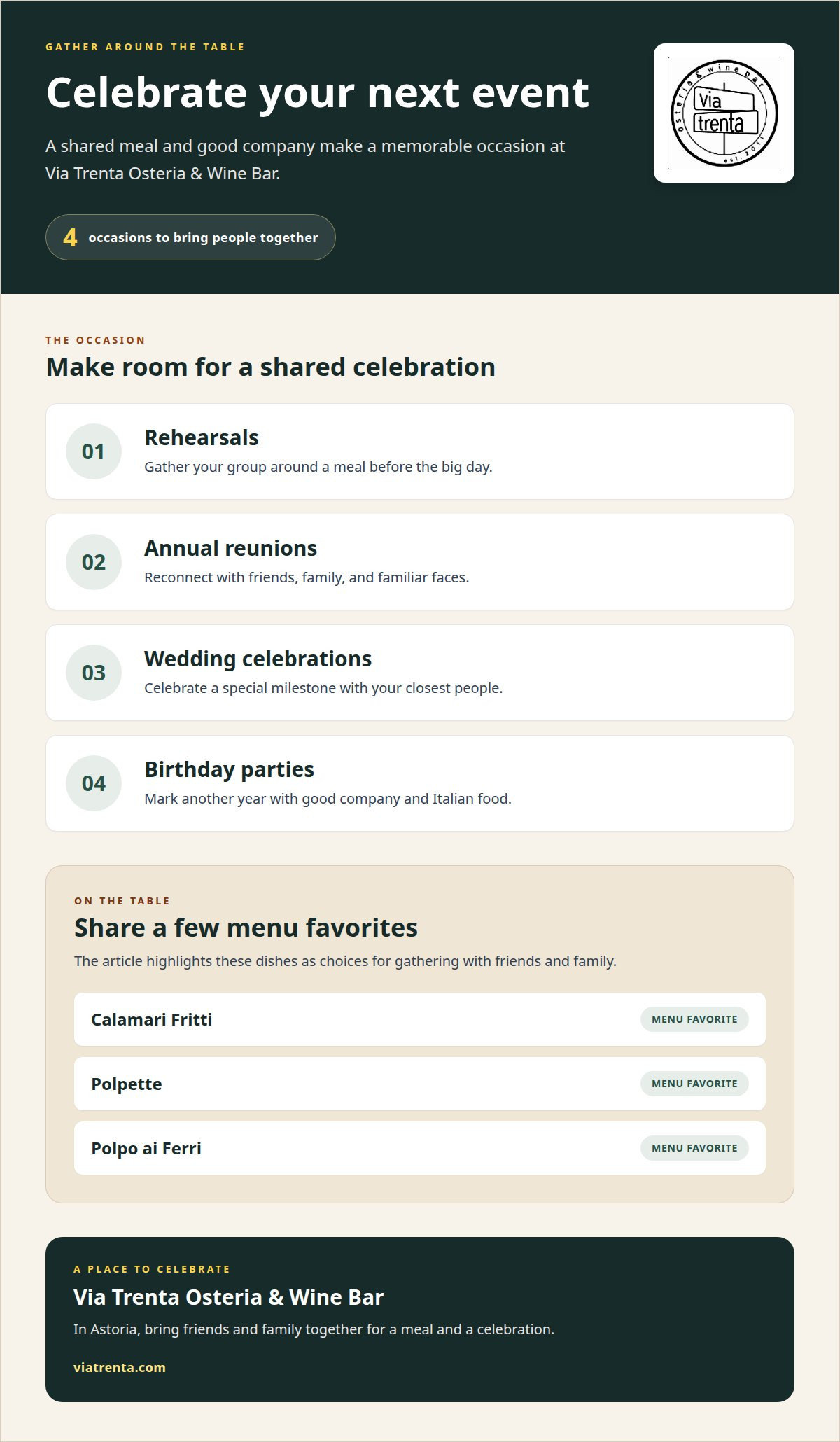
- Host rehearsals, annual reunions, wedding celebrations, and birthday parties at Via Trenta Osteria & Wine Bar.
- Make your next gathering an event centered on good company and a meal.
- Visit the website to explore event information and learn more about hosting your occasion at Via Trenta.
- Celebrate at Via Trenta Osteria & Wine Bar and enjoy dishes such as Calamari Fritti and Polpette during your event.
Is Facebook free, and what paid features or advertising costs does it offer?
A personal Facebook account is free to use. You can follow a restaurant Page, view its posts, and share dining photos without an advertising budget.
Restaurants can pay to promote posts or create campaigns in Meta Ads Manager. For example, a local dining business might promote an event announcement to a selected audience. The advertiser chooses the campaign goal, audience, and budget; costs vary according to those choices and ad delivery.
Common paid options include:
- Boosted posts: Promote an existing update to reach more people.
- Ads Manager: Build and manage campaigns with chosen audiences and spending limits.
- Meta Verified: A separate subscription, not required for ordinary Facebook use.
Paid promotions may appear alongside regular restaurant updates. Check the post itself to distinguish an advertisement from an ordinary Page update. Following a restaurant Page is free, and you can use its posts to discover local dishes or dining events without paying to advertise.
How do you create and manage a Facebook Page or Group?
A Page represents a public-facing organization, while a Group focuses on conversation among members. For example, a neighborhood food community might use a Page for public announcements and a Group for residents sharing recommendations. Choose the format that fits your purpose before setting it up.
To create a Page, sign in to your account and choose the option to create one. Add a name that clearly identifies the organization, select an appropriate category, and write a concise description. A local dining Page, for instance, could include its name and location so visitors understand what it represents.
Add profile and cover images, then fill in relevant contact and location details. Choose images that display clearly at different screen sizes, and make sure the Page name and description are consistent. Before publishing, preview the Page as visitors will see it. A clear, accurate introduction helps people distinguish an official Page from unrelated community posts.
To create a Group, choose the creation option, enter a descriptive name, and explain its purpose. Set privacy options according to whether discussions should be public or limited to members. A public neighborhood food Group may welcome broad participation, while a private Group can keep conversations within an approved community. Add membership questions or post-approval controls if they suit the Group’s purpose.
Once a Page or Group is active, a regular management routine helps keep it useful:
- Keep details current: Update descriptions, contact information, and announcements when they change.
- Plan useful posts: Share specific updates, such as an event notice or a new photo, rather than repetitive messages.
- Moderate conversations: Review comments and member posts, then apply the posted rules consistently.
- Limit access thoughtfully: Give administrative permissions only to people responsible for managing content or membership.
For example, an event-focused Group can pin gathering details and remove outdated announcements after the event. A Page can answer common questions in comments and keep essential information easy to find. Meta’s Page and Group settings include tools to manage visibility, notifications, and administrative roles. Reviewing these controls helps the space suit its audience.
Finally, review activity and feedback using the insights available on the platform. If a neighborhood post draws questions but little discussion, clarify its details or invite a focused response. This simple review helps keep the Page or Group informative without turning every update into an advertisement.
Via Trenta Osteria & Wine Bar
Via Trenta Osteria & Wine Bar is a welcoming place in Astoria to continue conversations about Italian food around the table. After following local Pages or joining a neighborhood Group, turn inspiration into a shared meal, whether you’re catching up with friends or gathering with family. The menu includes Calamari Fritti, Polpette, Polpo ai Ferri, and Prosciutto di Parma e Burrata, offering varied choices for the table.
For anyone using Facebook to discover local dining, the restaurant offers a tangible next step: enjoy Italian food in person and make the experience part of your own neighborhood story. For a closer look at the restaurant, visit Via Trenta Osteria & Wine Bar.
Celebrate Your Next Event at Via Trenta
Plan a rehearsal, annual reunion, wedding celebration, or birthday party at Via Trenta Osteria & Wine Bar in Astoria. Calamari Fritti, Polpette, and Polpo ai Ferri are among the choices to share with friends and family at your event.
When you’re ready to plan an event or ask about details, contact Via Trenta Osteria & Wine Bar. Visit the website to learn more.
Frequently Asked Questions
What is Facebook and who owns it?
Facebook is a social networking platform owned by Meta Platforms, Inc. People use it to connect with others and interact with content, while organizations can maintain a public presence through Pages. Meta is the parent company; Facebook is one of its platforms. For Astoria, Queens residents, it can be a way to keep up with local conversations and community updates.


